


Sarah L.
Podcaster
This AI voice enhancer completely transformed my podcast audio. Background noise is gone, and the voice clarity is amazing. It’s fast and easy to use online.
AI Voice Enhancer improves speech clarity in uploaded audio and video - podcasts, tutorials, lessons, songs with vocals, and spoken clips.
Drop files to Enhance
Supported 20+ Formats





Trusted by 15,000+ users for AI-powered audio and video enhancement.

Match the enhancement pass to the recording job, audience, and amount of speech in the file.
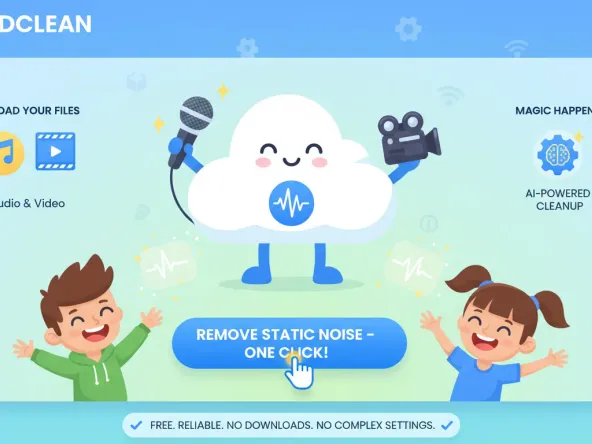
Clean up narration in tutorials, reaction clips, product demos, and voice enhancer in video workflows where speech needs to stay easy to follow.
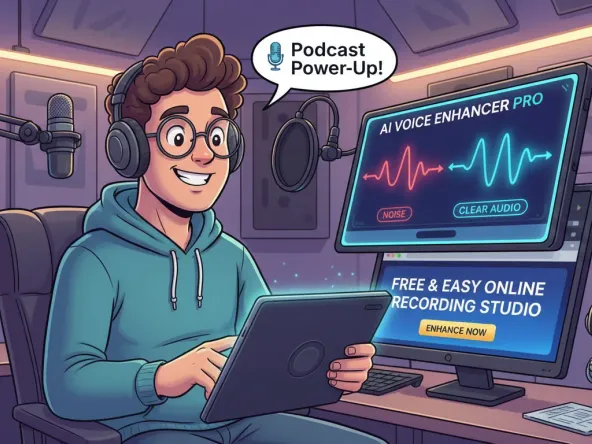
Podcast recordings with room noise or uneven speaking levels can use a podcast voice enhancer pass before you review the episode for publishing.
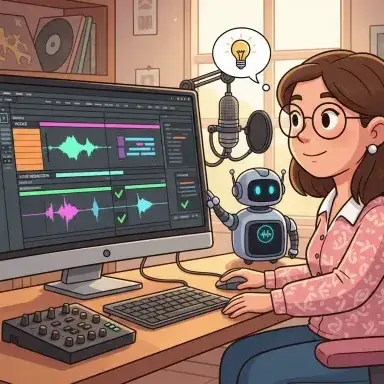
Review vocal takes, demos, and song ideas when searches such as ai music enhancer or ai song enhancer point to clearer voice presence inside an audio file.
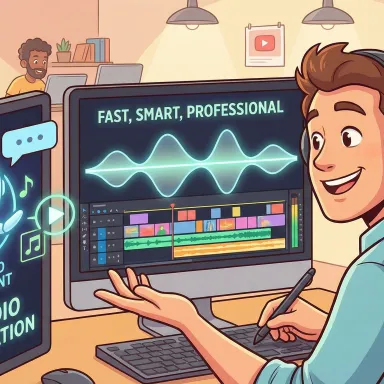
Enhance voice recording quality in ads, explainers, launches, and social clips so the message carries without rebuilding the whole edit.
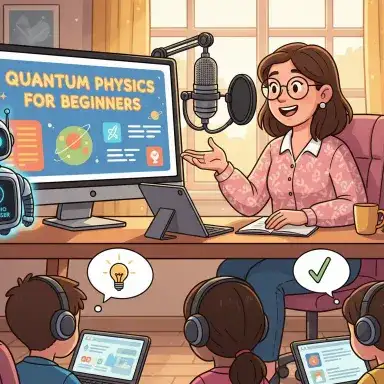
Enhance speech in lessons, course videos, and lecture recordings so students can focus on the explanation instead of the recording conditions.
Clean up narration in tutorials, reaction clips, product demos, and voice enhancer in video workflows where speech needs to stay easy to follow.
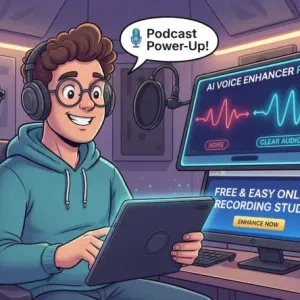
Podcast recordings with room noise or uneven speaking levels can use a podcast voice enhancer pass before you review the episode for publishing.
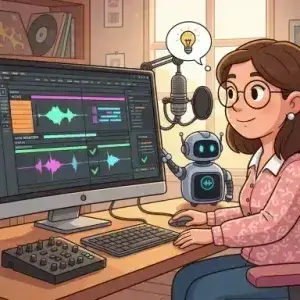
Review vocal takes, demos, and song ideas when searches such as ai music enhancer or ai song enhancer point to clearer voice presence inside an audio file.
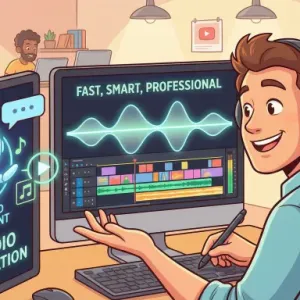
Enhance voice recording quality in ads, explainers, launches, and social clips so the message carries without rebuilding the whole edit.
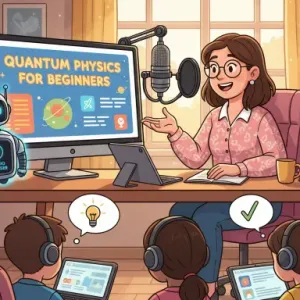
Enhance speech in lessons, course videos, and lecture recordings so students can focus on the explanation instead of the recording conditions.
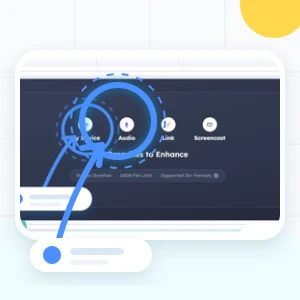
Upload your MP3, podcast, or video to our voice enhancer online tool - no login needed, works instantly for all popular formats.
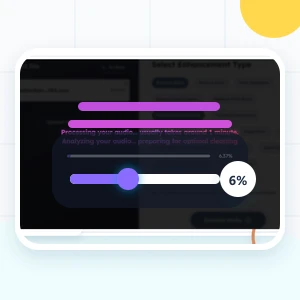
Let the enhancer process the recording, then compare the revised voice against the original so the change fits the content.
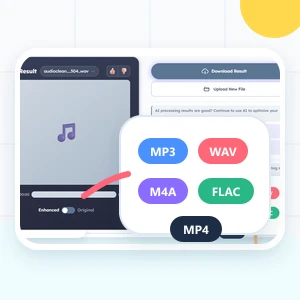
Preview and download your enhanced file. Perfect for YouTube, podcasts, online courses, or social media with our video voice enhancer online free and mp3 voice enhancer.
Focus the page on speech-first improvements while keeping audio and video workflows in one place.
Our AI voice enhancer automatically eliminates unwanted background noise from audio and video files, delivering clean, professional sound in seconds.
Enhance voice quality when a recording sounds muffled, distant, or uneven, then review the result before using it in your project.
Whether you need a video voice enhancer or an MP3 voice enhancer, our tool improves sound quality across all popular formats with no software required.
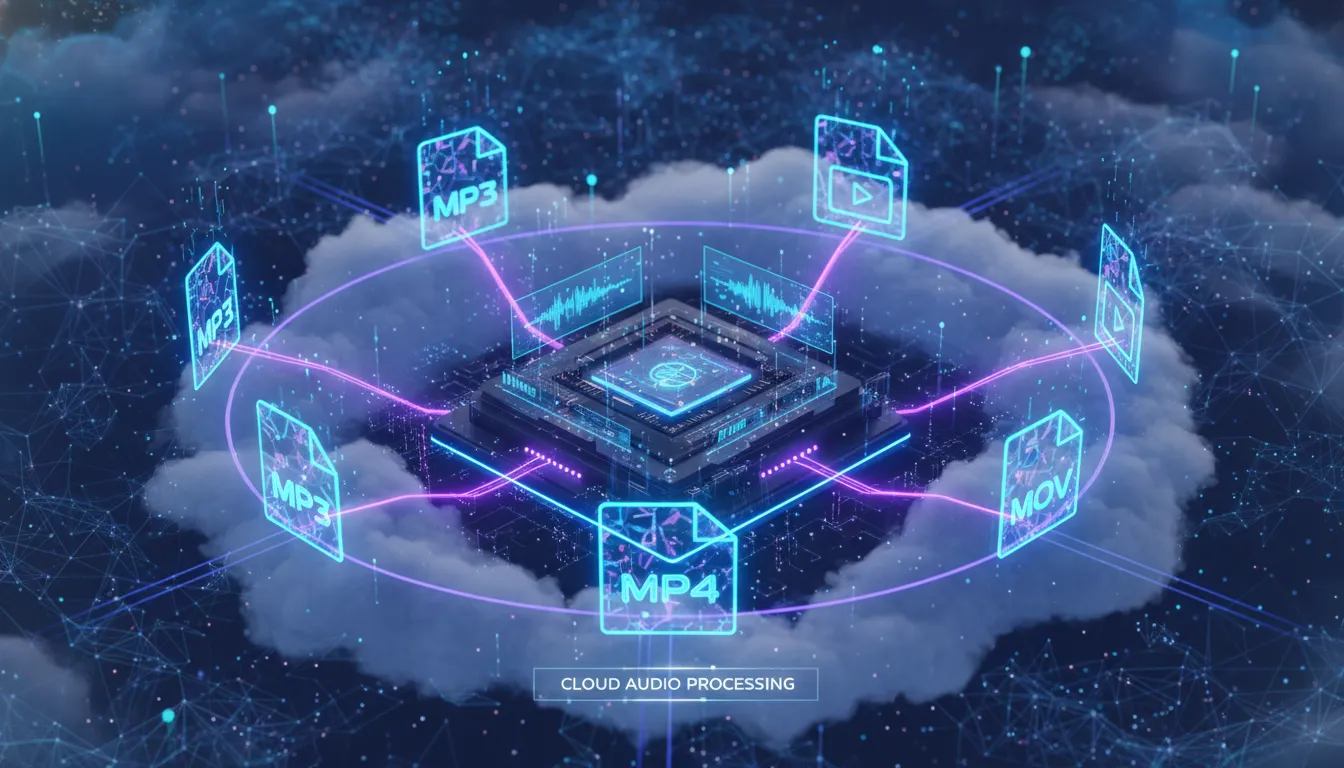
Use our voice enhancer online free anytime. No registration, no downloads - just upload, enhance, and download instantly.
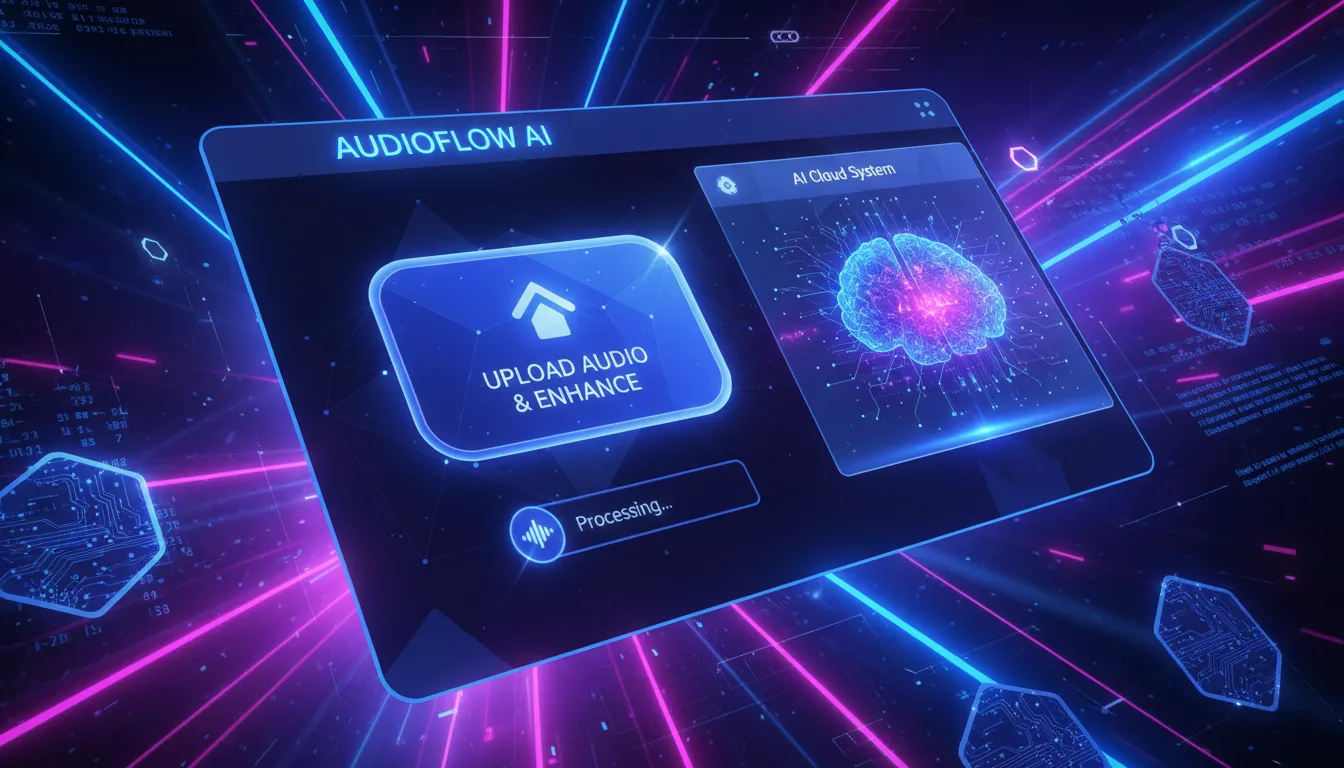
Achieve professional-level audio and video enhancement effortlessly with our AI voice enhancer, perfect for creators, educators, and marketers.
The copy, workflow, and examples focus on voice-first decisions such as intelligibility, vocal presence, and background distraction.

Enhance speech clarity so every word is crisp and understandable, whether it’s a YouTube video, online lecture, or podcast episode.

Supports MP3, WAV, and video files, giving you the flexibility to improve any type of content without additional software.

Simply upload your file and let our AI do the work. No downloads, no complicated settings-perfect for creators on the go.

The same upload flow supports spoken audio, vocal demos, podcast audio enhancer tasks, and files where AI can improve audio quality around the voice.

Compare the original and result so you can decide whether the change fits your file before using it in a public project.
Enhance voice and video with AI – no downloads, no signup required, 100% free.
Sarah L.
Podcaster
This AI voice enhancer completely transformed my podcast audio. Background noise is gone, and the voice clarity is amazing. It’s fast and easy to use online.

Mark T.
Content Creator
I use this video voice enhancer online free for my YouTube tutorials. The audio quality improvement is instant, and my viewers love the clearer sound.

Emily W.
Educator
As an online instructor, the audio voice enhancer helps me make my lectures more understandable. Students can hear every word clearly now.

Jason K.
Music Producer
Vocal demo files are simpler to judge when hiss and low-level distractions are less noticeable in the mix.

Laura M.
Video Editor
I needed a simple voice enhancer online free for my marketing videos. The tool works instantly, no downloads, and the audio clarity is much better.

Daniel S.
Podcaster & YouTuber
This AI voice enhancer free saved me hours of editing. I can enhance voice in my podcasts and video projects in seconds, completely online.
Start with the best source recording you have, keep the speech goal clear, then run a voice enhancer pass to reduce distractions and review whether the voice sounds clearer.
Audio enhancers can improve voice clarity when the issue is noise, muffled speech, uneven level, or weak vocal presence, but the final result still depends on the source recording.
It analyzes the uploaded file and applies speech-focused processing such as noise reduction, clarity adjustment, volume normalization, and other enhancement steps shown in the source tool.
Common voice EQ work reduces low rumble, controls harshness, and adds presence where speech needs definition. The AutoEQ effect shown on the site can support that kind of review.
Most AI voice enhancers support common formats like MP3, WAV, and video files. You can enhance podcasts, lectures, or YouTube videos easily with online tools.
Enhancing audio with an AI voice enhancer usually takes just a few seconds. Upload your file, let the AI remove noise and improve clarity, then download the enhanced audio immediately.
Yes, an AI voice enhancer is perfect for podcasts. It cleans up background noise, balances audio levels, and ensures every word is clear for a professional listening experience.
Most reputable online AI voice enhancers ensure your files are secure. Uploaded files are processed safely and deleted after enhancement, keeping your content private.
Yes, a dedicated MP3 voice enhancer improves clarity, removes hiss, and restores natural sound, making your audio files sound studio-quality without extra software.
Compare the original and result, listen for speech clarity, confirm the voice still fits the project, and decide whether the file helped increase voice quality for your content.