

Ava Mitchell
Music Teacher
I use it to show students how timing and layers change a song idea. The browser workflow makes a mashup concept easy to demonstrate.
Create music mashups online with an AI mashup maker that lets you upload tracks, align sections, adjust volume, speed, and pitch, preview the mix, and export combined audio.





VoiceEnhancer brings focused online audio tools into one browser workspace, helping users clean, shape, mix, and export audio without installing complex production software.

Use the AI song mashup maker to test combinations, shape rough arrangements, and prepare downloadable audio drafts for permitted projects.
Combine compatible sections from two or more songs to hear how a new arrangement could work before opening a larger editor.
Try vocals, instrumentals, hooks, loops, and effects together so a remix idea becomes easier to evaluate.
Build quick music mashup ideas for videos, reels, and social posts when you are using original or licensed source material.

Compare timing, speed, pitch, and volume choices while preparing a transition, intro, outro, or set reference.

Layer speech, background music, stingers, and sound clips into a balanced reference mix for content production.
Combine compatible sections from two or more songs to hear how a new arrangement could work before opening a larger editor.
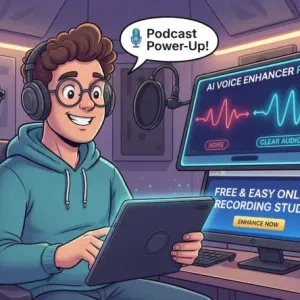
Try vocals, instrumentals, hooks, loops, and effects together so a remix idea becomes easier to evaluate.
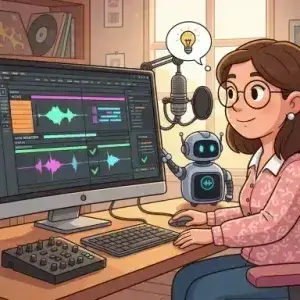
Build quick music mashup ideas for videos, reels, and social posts when you are using original or licensed source material.

Compare timing, speed, pitch, and volume choices while preparing a transition, intro, outro, or set reference.

Layer speech, background music, stingers, and sound clips into a balanced reference mix for content production.
Upload your tracks, shape the arrangement, and export the combined result in a simple browser workflow.
Add the songs, vocals, instrumentals, loops, or sound clips you want to combine in the mashup workspace.
Align each track, set volume levels, and use speed or pitch controls to help the sources fit together.
Listen to the full mashup, make final balance changes, and create a downloadable combined audio file.
VoiceEnhancer gives you practical controls for combining audio sources online, from track setup to final export.
Upload several audio sources into one project so your song mashup, music mashup, or content mix stays organized.

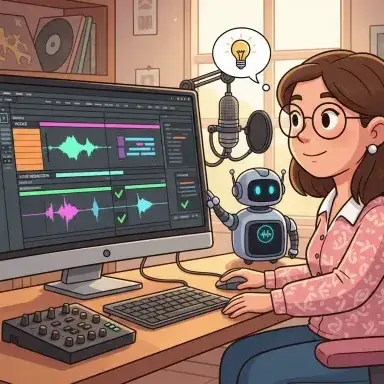
Visual waveforms make it easier to place hooks, drops, vocals, beats, and transitions where they belong.

Balance loud and quiet sources while choosing when each track enters, exits, or supports the main arrangement.

Adjust playback characteristics on individual tracks to help different sources feel more compatible in the mix.
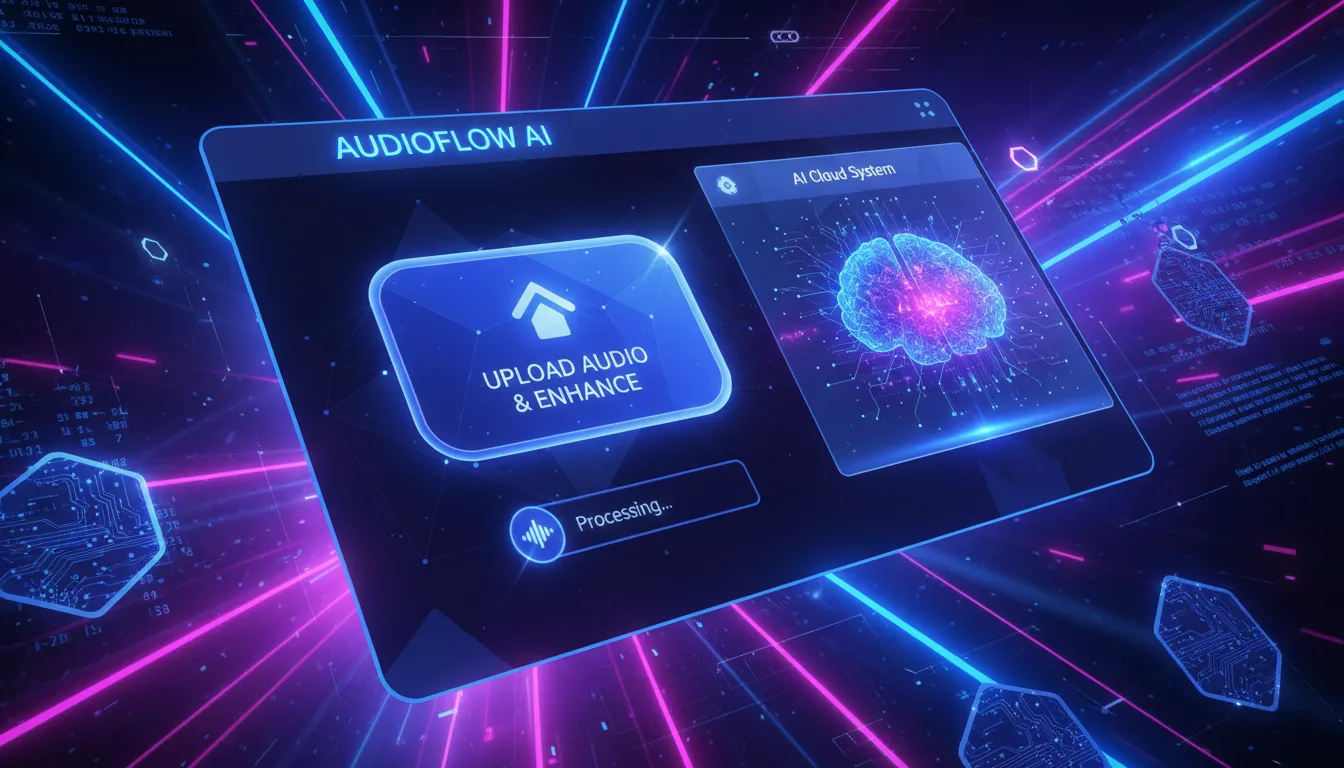
Check the complete arrangement before processing, then export the combined audio for continued editing or sharing.
Build faster mashup drafts online with focused controls that answer the main mixing questions before you move into deeper production.

Start a mashup in your browser without installing a full digital audio workstation or setting up a complicated project first.

Adjust each uploaded source separately so vocals, instrumentals, drums, and clips can sit together more clearly.

Turn a music mashup idea into a playable draft quickly, then decide whether it is worth polishing further.

Listen before creating the final file so you can catch timing, volume, or pitch issues early.

Use the tool for song mashups, DJ edits, social audio, podcast beds, and video sound drafts.

Build with audio you own or have permission to use, especially when you plan to publish or monetize the result.
Upload your tracks, tune the timing and sound, preview the arrangement, and export a combined mashup from your browser.
Musicians, editors, teachers, and content teams use VoiceEnhancer to test mashup ideas before committing to a full production session.
Ava Mitchell
Music Teacher
I use it to show students how timing and layers change a song idea. The browser workflow makes a mashup concept easy to demonstrate.

Jordan Lee
Short-Form Video Editor
I needed a simple mashup maker for quick permitted audio tests. Uploading clips and previewing the mix helped me move faster.

Maya Rodriguez
DJ Hobbyist
The timing, pitch, and volume controls are useful for checking whether two tracks can sit together before I build a full edit.

Ethan Carter
Remix Producer
I like using it for early remix sketches. It gives me a playable reference before I spend time arranging stems in my main software.

Priya Shah
Podcast Producer
Layering speech, music, and short effects in one place helped me create reference beds for episode planning.

Sofia Bennett
Content Creator
The AI mashup maker online flow is simple enough for quick social audio drafts, especially when I want to compare a few combinations.
An AI mashup maker is an online tool that helps you combine multiple audio sources into one arrangement. VoiceEnhancer focuses on upload, alignment, volume, speed, pitch, preview, and export controls.
Yes. VoiceEnhancer includes a free online workflow for starting mashup drafts in your browser. Any current limits or processing rules are shown inside the tool.
Upload the source tracks, align the parts you want to combine, adjust volume, speed, and pitch, preview the full arrangement, then export the combined audio file.
You can upload supported audio sources such as songs, vocals, instrumentals, loops, and clips, then arrange them together in the mashup workspace.
The tool helps you create and shape a mashup, but good results still depend on compatible sources and careful listening. Use preview to check timing, key, energy, and balance.
Yes. The mashup workflow includes practical controls for track volume, timing, speed, and pitch so you can shape each source before export.
Yes. Preview the full combined arrangement first, then make changes before creating the downloadable output.
Use the formats accepted by the upload area in the tool. Common browser audio workflows typically support popular formats such as MP3 and WAV.
Publishing or monetizing a mashup depends on the rights for every source you use, VoiceEnhancer terms, and the rules of the platform where you publish. Use audio you own or have permission to use.
Treat uploaded audio as project material and avoid uploading files you are not allowed to process. Check the site's current privacy and terms pages for storage, processing, and account details.