

Natalie Brooks
Podcast Producer
I use the transcript as a starting point for show notes and episode summaries, then edit the important names before publishing.
Transcribe audio to text online with an AI audio to text converter built for MP3 transcription, video speech, browser recording, and editable transcript exports.





VoiceEnhancer helps creators, students, teams, and editors turn spoken audio into clearer, searchable, and reusable written content.

Use one online workspace to turn speech into text for publishing, review, accessibility, and documentation.
Transcribe podcast audio to text for show notes, search-friendly pages, quote selection, and listener accessibility.
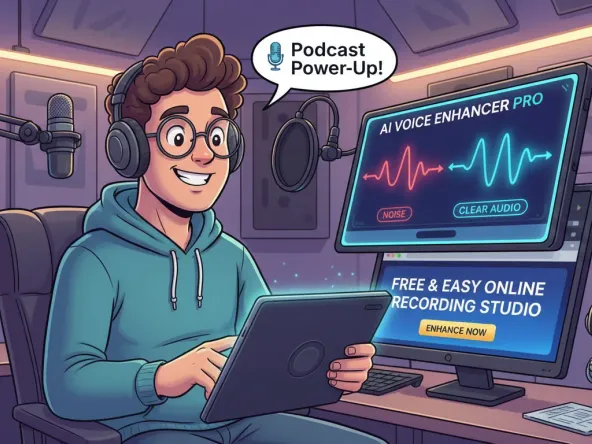
Convert interview recordings into editable transcripts so you can find quotes, organize themes, and review long conversations faster.
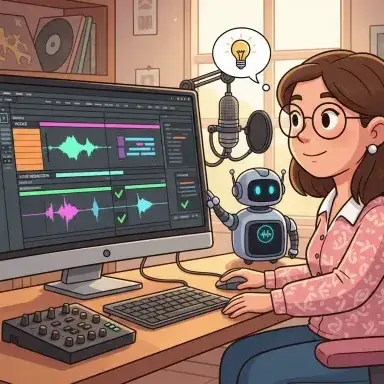
Turn team calls, client recordings, and presentation audio into searchable text for follow-up notes and internal documentation.
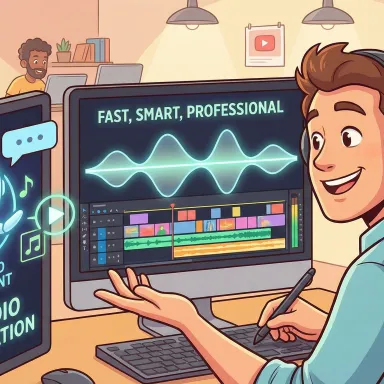
Create study material from classes, webinars, training sessions, and course recordings without manually typing every word.
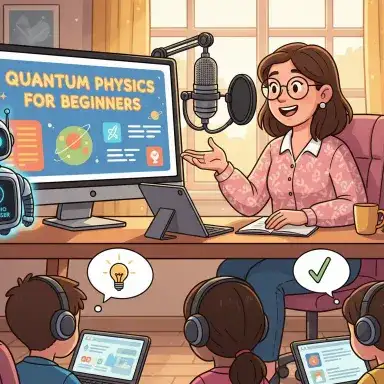
Use transcripts as a starting point for captions, blog drafts, summaries, subtitles, and short-form content edits.
Transcribe podcast audio to text for show notes, search-friendly pages, quote selection, and listener accessibility.
Convert interview recordings into editable transcripts so you can find quotes, organize themes, and review long conversations faster.
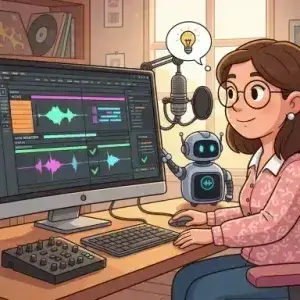
Turn team calls, client recordings, and presentation audio into searchable text for follow-up notes and internal documentation.
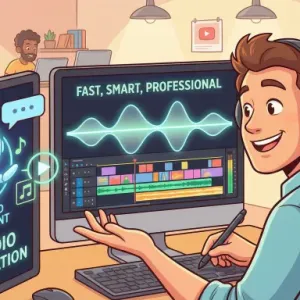
Create study material from classes, webinars, training sessions, and course recordings without manually typing every word.
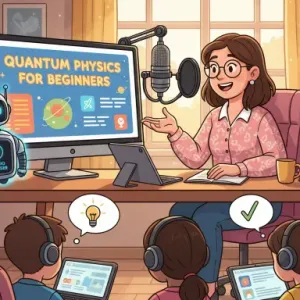
Use transcripts as a starting point for captions, blog drafts, summaries, subtitles, and short-form content edits.
Upload or record speech, generate an AI transcript, then review and export the final text.
Add an MP3, audio, or video file, or record speech directly in your browser when you do not already have a file.
Select the spoken language and let AI transcription convert your audio into editable text.
Review the transcript, correct important names or terms, and download the text as TXT, PDF, or DOCX.
Convert spoken files into practical text you can review, correct, export, and reuse.
Process supported audio and video recordings through one transcription workflow, whether the source is a podcast, class, meeting, or clip.

Upload MP3 recordings and turn speech into text for notes, captions, articles, summaries, and searchable archives.
Record speech directly in the browser when you need quick notes, spoken drafts, or a transcript from a fresh voice capture.
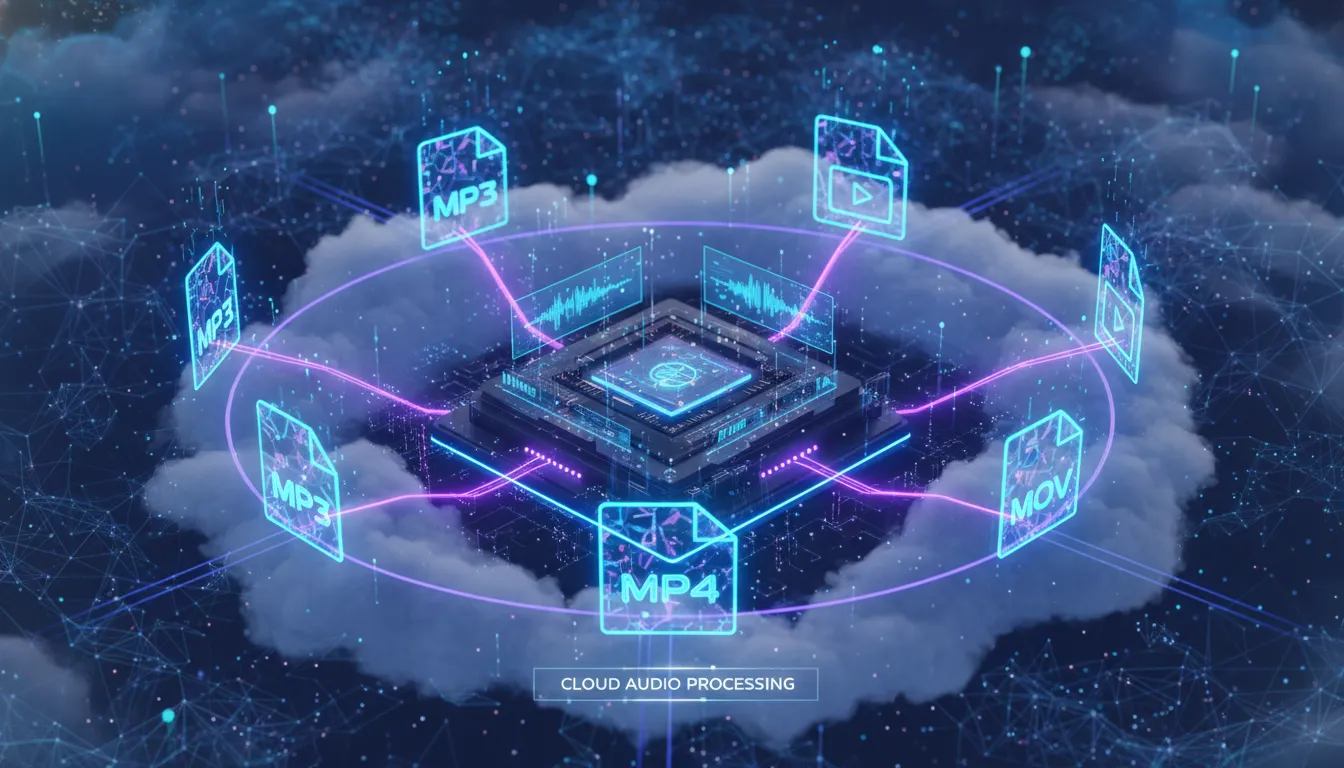
Treat AI transcription as a strong first draft, then correct names, punctuation, speaker terms, and context before publishing.
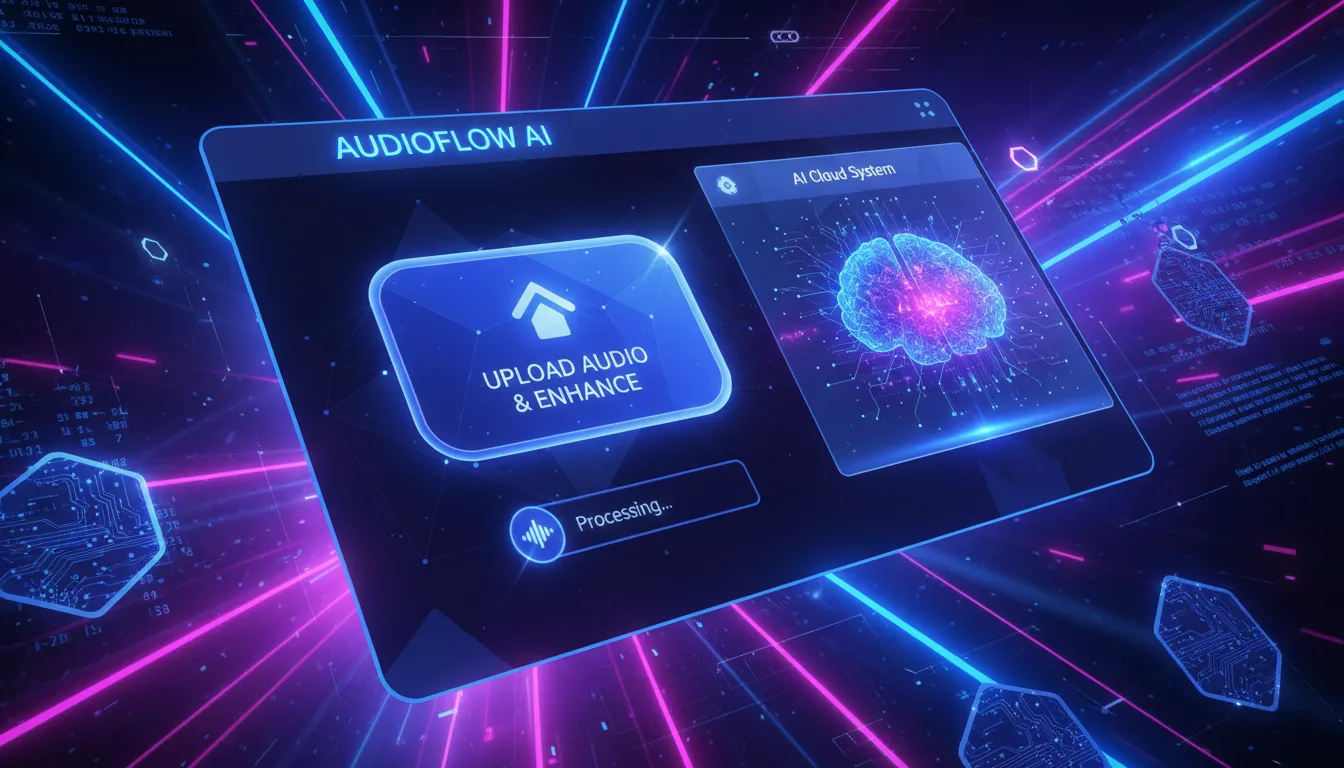
Download reviewed transcripts in practical formats such as TXT, PDF, or DOCX for writing, sharing, archiving, and team workflows.
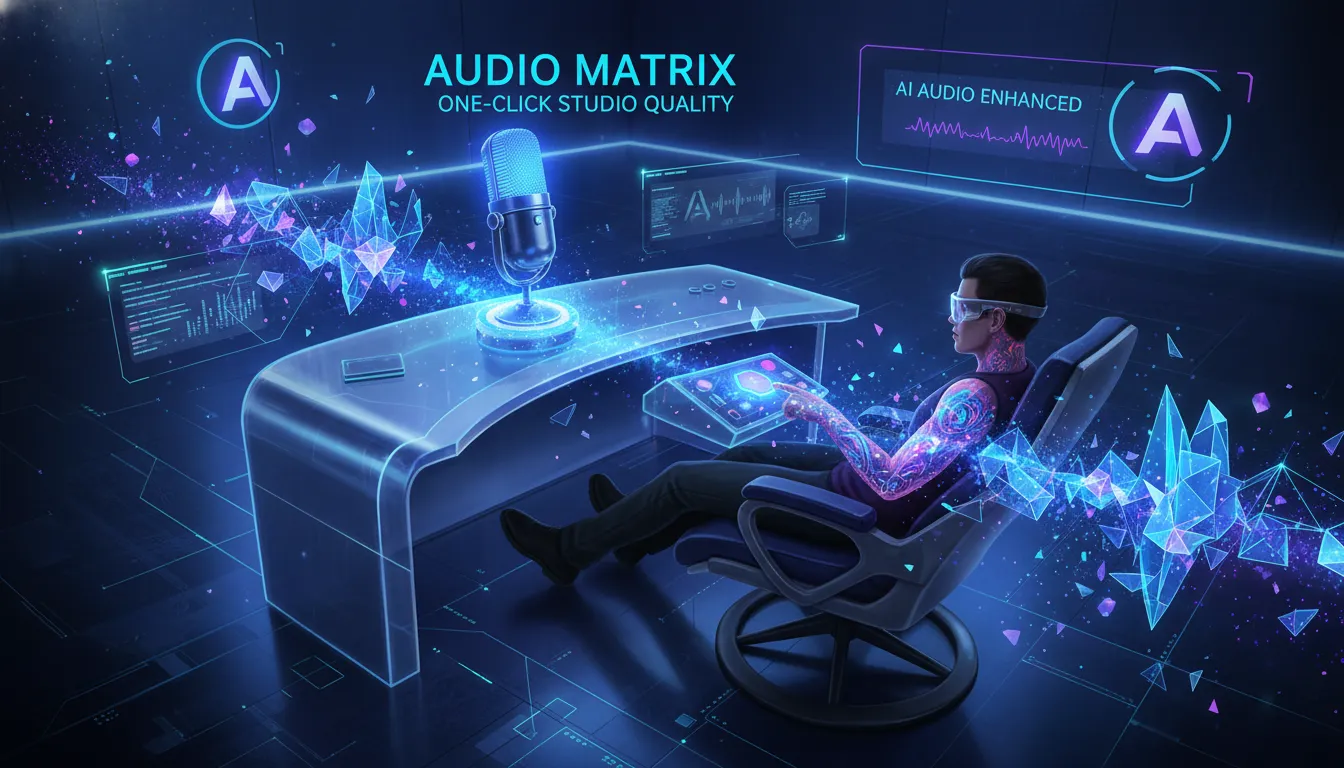
Get a focused transcription workflow for spoken content instead of jumping between recorders, editors, and document tools.
Start transcribing audio in your browser without installing desktop transcription software.

Convert podcasts, meetings, lectures, interviews, video narration, and MP3 recordings into usable text.

Begin with an existing media file or capture a new voice recording directly from the same workspace.

Choose the spoken language before processing so the transcription task matches the source audio more closely.

Review the AI-generated transcript and clean up important details before using it for captions, notes, or publication.

Export transcripts for summaries, articles, documentation, captions, research notes, training materials, and accessible content.
Upload or record speech, generate an editable AI transcript, and export clean text for notes, captions, research, or publishing.
VoiceEnhancer helps creators and teams move from recordings to reviewed transcripts with less manual typing.
Natalie Brooks
Podcast Producer
I use the transcript as a starting point for show notes and episode summaries, then edit the important names before publishing.

Owen Mitchell
Research Coordinator
Long interviews are much easier to review once I can search the transcript instead of replaying the entire recording.

Maya Chen
Online Instructor
Turning lecture audio into text helps me create study notes and course resources without typing every sentence by hand.

Adrian Cole
Video Editor
The audio to text converter gives me a clean draft for captions and descriptions before I move into final editing.

Priyanka Rao
Content Marketer
Exporting transcripts to DOCX fits our writing workflow, especially when we repurpose webinars into articles.

Lucas Harris
Operations Manager
Browser recording plus transcription is useful for quick meeting notes and internal documentation drafts.
AI audio to text converts spoken words from audio or video into written transcript text that you can review, edit, search, and export.
Upload a supported audio or video file, choose the spoken language, start the AI transcription task, then review and export the transcript.
Yes. The workflow supports MP3 transcription when the uploaded file meets the current format and size rules shown in the tool.
You can start with free online transcription in the browser. The live tool shows current file, usage, and processing limits before you continue.
Yes. Browser recording lets you capture fresh speech and transcribe it without creating a separate audio file first.
Yes. Review the transcript and correct names, punctuation, technical terms, and unclear sections before exporting or publishing.
VoiceEnhancer supports practical transcript downloads such as TXT, PDF, and DOCX for writing, sharing, archiving, and team review.
AI transcription quality depends on speech clarity, background noise, speaker overlap, accent, microphone quality, and source language selection.
Use clear recordings, reduce background noise, avoid overlapping speech when possible, and select the correct spoken language before processing.
Commercial use depends on your rights to the recording, speaker consent, VoiceEnhancer terms, and the rules of the platform where you publish.