
01michael layla
AI Voice Changer for Creative Speech Effects
Try an AI voice changer online to preview character voices, narration styles, and creator-friendly speech effects without complex audio software.

Upload your audio file
Drag and drop your audio
MAX 500MB - MP3, MP4, AAC, AIFF, WMA or WAV
Voice Changer Examples
Original vs. changed voice
02daniel Nick Wilde
03lucas donald-trump
More Tools
4.9⭐⭐⭐⭐⭐
Average User Rating · 786 ratings
120+
Countries & Regions
100,000+
Audio Files Improved





VoiceEnhancer supports practical browser audio workflows for creators who need clearer, more flexible voice content.

Creative Voice Effect Use Cases for Creators
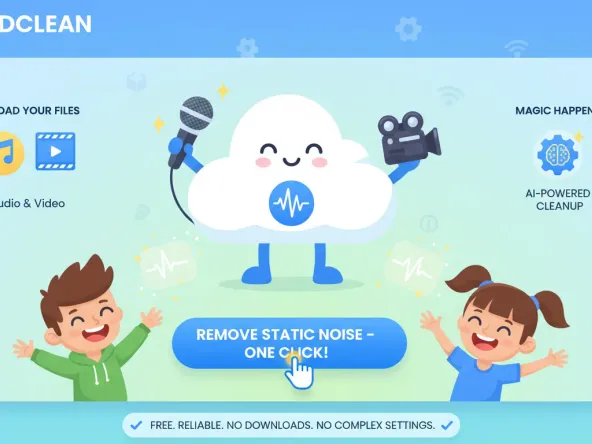
Video Creators
Test narration styles for shorts, tutorials, and sketches before choosing the right tone for the final edit.
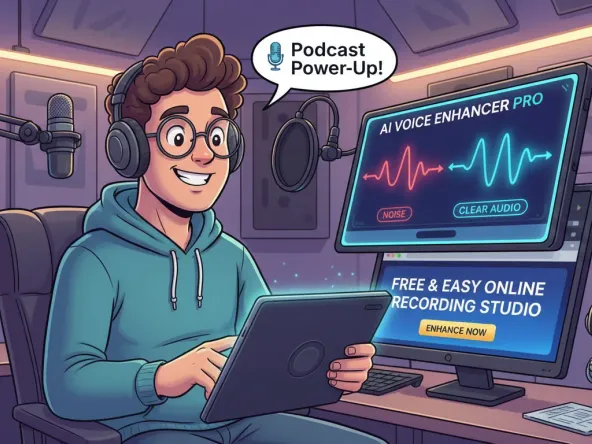
Streamers
Plan character bits, intros, and live segments while keeping live audio expectations grounded in latency testing.
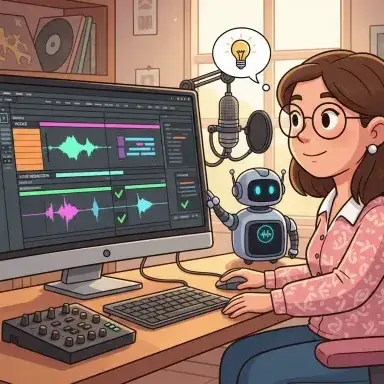
Podcasters
Create safe character reads, trailer ideas, or episode segments that need a distinct spoken style.
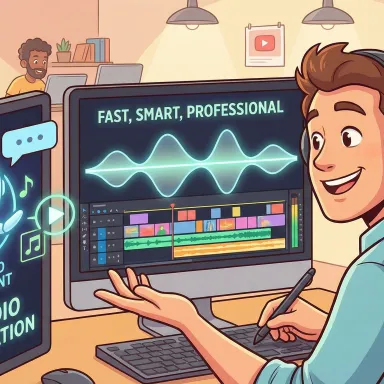
Game Developers
Draft creature, narrator, and NPC voice directions with a browser preview workflow before recording final assets.
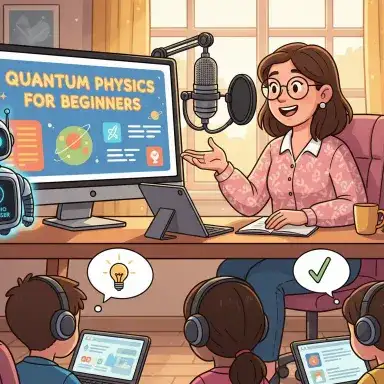
Educators
Make lessons more engaging by previewing storytelling voices, dialogue examples, or role-play audio for class materials.
Video Creators
Test narration styles for shorts, tutorials, and sketches before choosing the right tone for the final edit.
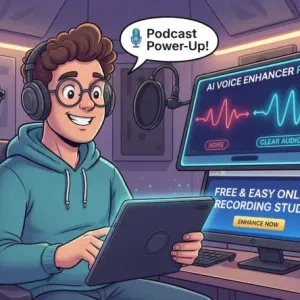
Streamers
Plan character bits, intros, and live segments while keeping live audio expectations grounded in latency testing.
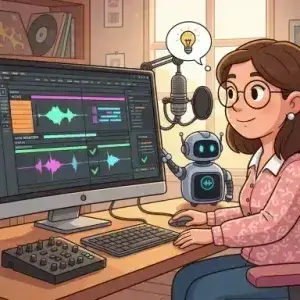
Podcasters
Create safe character reads, trailer ideas, or episode segments that need a distinct spoken style.
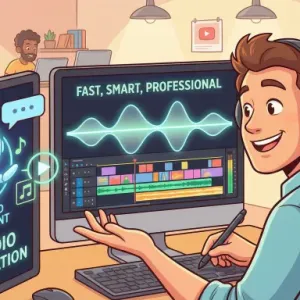
Game Developers
Draft creature, narrator, and NPC voice directions with a browser preview workflow before recording final assets.
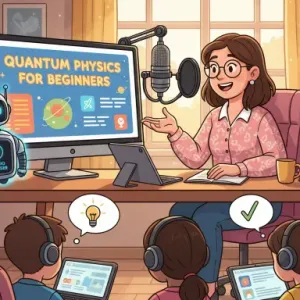
Educators
Make lessons more engaging by previewing storytelling voices, dialogue examples, or role-play audio for class materials.
How to Use an AI Voice Changer Online
Upload or record speech, choose a style direction, preview the effect, and export audio that fits your creative project.
1
Add Your Voice Audio
Start with a short spoken sample, narration clip, or project draft that you have the right to edit.
2
Preview Voice Effects
Choose a style and create a sample you can review for clarity, tone, and fit.
3
Download for Editing
Save the selected output and place it into your video, podcast, lesson, game prototype, or social content.
Creative Features for Online Voice Effects
AI Voice Style Preview
Explore alternate voice tones with an AI voice changer online before committing to a full recording session.
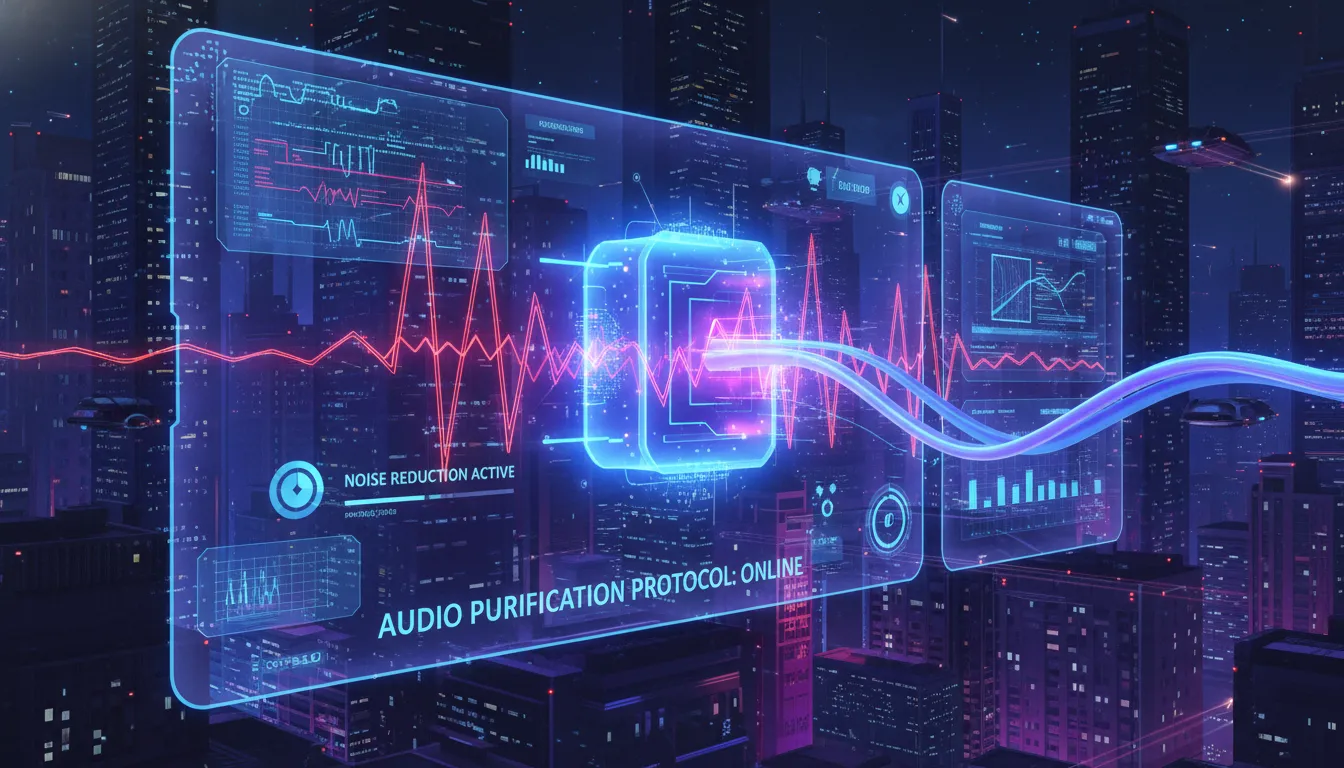
Browser-Based Workflow
Use a clean web interface instead of installing a separate effects chain.
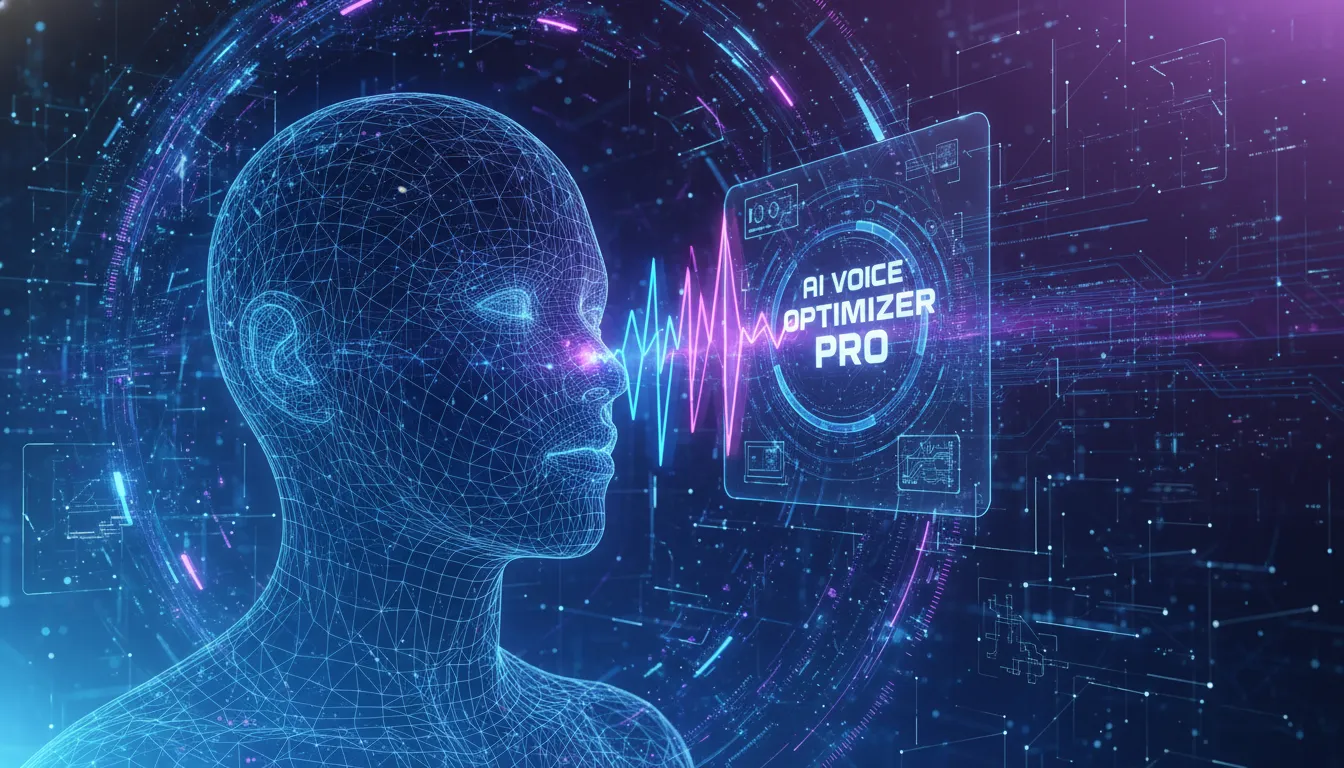
Character Voice Drafts
Create early voice concepts for videos, games, lessons, and story content while keeping final approvals in your hands.
Real-Time Planning Support
Creators researching a real time voice changer can use previewed samples to judge style and test latency needs separately.
Simple Export for Editors
Download the processed audio and continue editing in the video, podcast, or production tool you already use.
Why Use This Voice Effect Workflow
Fast Creative Direction
You can test a voice direction early, compare styles, and decide whether the sound fits the scene or script.

Free Voice Changer Entry Point
A free voice changer workflow helps creators experiment with short samples before investing in a larger production setup.
Designed for Responsible Use
The page encourages original, permitted voice material and avoids presenting speech effects as a way to mislead listeners.

Good for Short Samples
Short clips make it easier to compare tone, clarity, and pacing before using the output in a finished project.

Works Alongside Editing Tools
Exported audio can move into your existing editor, so the effect workflow supports your process instead of replacing it.
Clear Result Expectations
The copy keeps live performance claims conservative until latency and routing are confirmed.
Try Creative Voice Effects for Your Next Clip
Preview creative speech effects, compare styles, and prepare voice audio for videos, streams, lessons, or prototypes.
Try Voice Effects
Creator Reviews for the AI Voice Changer

Maya Thompson
YouTube Producer
The speech-effect preview helps me test narration ideas before recording a final take, especially when a script needs a playful tone.

Daniel Foster
Indie Game Designer
I use the browser preview for early NPC voice concepts. It gives my team a direction before we book actors.

Leah Morgan
Podcast Editor
For trailer experiments, it makes it easy to compare a few spoken styles without building a heavy effects setup.

Noah Williams
Livestream Host
I came in looking for a real time voice changer and used the previews to decide which voices were worth testing in my stream tools.

Sofia Bennett
Online Instructor
The online preview workflow is useful for role-play examples and short lesson clips where a different voice keeps attention.

Caleb Turner
Social Media Creator
A free voice changer option is helpful for quick sketches. I can test a style, download it, and keep editing without slowing down.
Frequently asked questions
What is an AI voice changer?
An AI voice changer applies speech effects or style changes to voice audio so creators can preview different tones for a project.
Can I use an AI voice changer online?
A browser workflow lets you upload or record a sample, preview the effect, and download the processed audio for editing.
Can I use an online voice changer for videos?
Video creators can prepare voice effects for narration, character clips, intros, and social posts, then place the result in their editor.
Does it work as a real time voice changer?
Live use depends on routing and latency. Treat this page as a preview workflow unless the live tool confirms real-time support.
Is there a free voice changer option?
The homepage positions VoiceEnhancer as free online, but exact limits for this route should be confirmed on the live page before publishing.
What audio should I upload?
Short, clear speech samples usually make it easier to judge the effect. Use recordings you own or have permission to edit.
Can I use voice effects for commercial projects?
Check your rights to the source recording, the script, and the final use case before publishing or monetizing processed audio.
Will the result sound natural?
Naturalness depends on the input and selected style. Preview the output and choose the version that fits your audience.
Who is this voice effect workflow for?
Creators, podcasters, educators, streamers, and game teams can use it to draft voice ideas before final production.
How do I get better results?
Start with clean speech, avoid heavy background noise, test short samples, and compare several styles before exporting.