

Olivia Bennett
Instructional Designer
I use it to turn lesson PDFs into short podcast recaps. Reviewing the script first helps me keep the episode accurate.
Turn PDFs, notes, long text, web pages, or YouTube source material into a multi-speaker AI podcast with editable script review, voice selection, and downloadable audio.





VoiceEnhancer gives creators, educators, students, and teams practical online AI audio tools for turning source material into clear voice content without a studio setup.

Use the AI podcast creator to repurpose documents, notes, links, and research into listenable conversations for learning, publishing, and internal sharing.
Upload a PDF, report, paper, or guide and turn dense reading material into a structured podcast-style discussion.
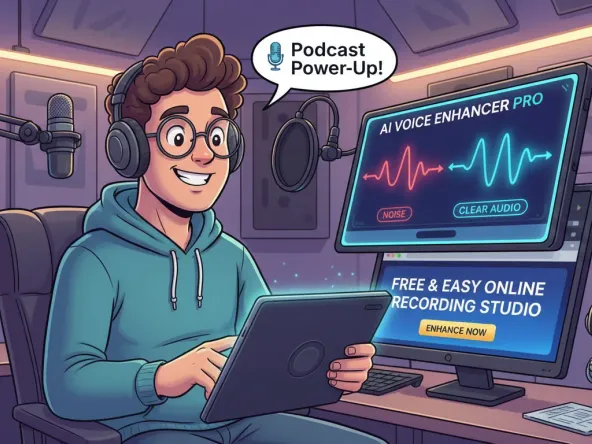
Convert class notes, meeting notes, outlines, or brainstorming material into an audio recap that is easier to review.
Paste long text, a topic, or a prepared script and generate a multi-speaker episode with natural conversational flow.
Start from permitted web pages or YouTube source material to create an audio discussion for research, learning, or content planning.
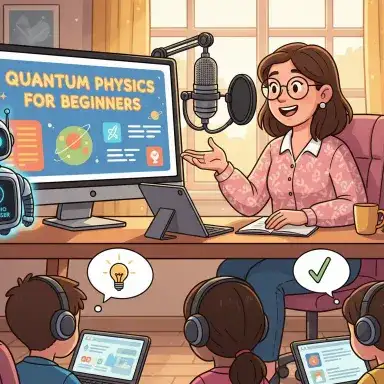
Turn product briefs, newsletters, study material, or internal updates into shareable podcast audio and downloadable scripts.
Upload a PDF, report, paper, or guide and turn dense reading material into a structured podcast-style discussion.
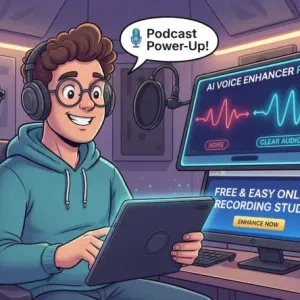
Convert class notes, meeting notes, outlines, or brainstorming material into an audio recap that is easier to review.

Paste long text, a topic, or a prepared script and generate a multi-speaker episode with natural conversational flow.
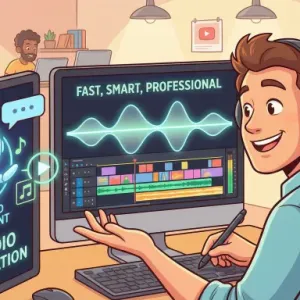
Start from permitted web pages or YouTube source material to create an audio discussion for research, learning, or content planning.
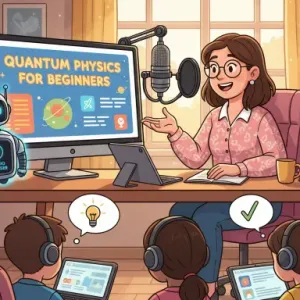
Turn product briefs, newsletters, study material, or internal updates into shareable podcast audio and downloadable scripts.
Add source content, choose hosts, then review and download the generated podcast.
Paste text, enter a topic, add a website or YouTube link, or upload a supported file such as PDF, Doc, Excel, TXT, PNG, or JPG.
Select the podcast language, choose AI host voices, and set the conversation style before generation.
Review the generated script and episode information, listen to the result, then download the podcast audio or export the script.
VoiceEnhancer combines source analysis, script generation, AI voices, review controls, and export options in one online podcast maker.
Start with long text, notes, PDFs, documents, images with text, websites, or permitted YouTube links instead of writing from scratch.
Convert PDF, Doc, Excel, TXT, PNG, and JPG source material into a podcast-ready script for review.
Choose host voices and create a conversational episode with distinct speakers instead of a flat one-voice reading.
Review generated podcast content, keep or optimize detected dialogue scripts, and export scripts as Markdown or TXT.
Listen to the finished episode, share it for review, or download the podcast audio for publishing and continued editing.
Generate podcast drafts from existing material faster while keeping control over sources, hosts, script quality, and export.

Use the AI podcast generator free in your browser to test an episode idea before committing to recording or production.

Turn reports, PDFs, study guides, and documents into a listenable episode with a script you can review.

Paste notes, outlines, articles, lesson material, or prepared dialogue and reshape it into a podcast conversation.

Select AI hosts, languages, and voice styles so the episode matches the tone of the source material.

Review the generated script before continuing so factual, tone, or structure issues can be caught early.

Download the finished podcast audio and export the script as Markdown or TXT for editing, archiving, or publishing workflows.
Add your source material, choose AI hosts, review the generated script, and download a podcast episode online.
Students, educators, marketers, researchers, and creators use VoiceEnhancer to turn source material into listenable podcast episodes.
Olivia Bennett
Instructional Designer
I use it to turn lesson PDFs into short podcast recaps. Reviewing the script first helps me keep the episode accurate.

Daniel Park
Product Marketing Manager
Our release notes became a two-host audio update that teammates could listen to before a launch meeting.

Maya Thompson
Graduate Student
The PDF to podcast workflow is useful when I want to revisit research papers away from my desk.

Noah Rivera
Content Strategist
I paste outlines and long text to test a podcast angle before asking our team to record a full episode.

Priya Menon
Research Analyst
Turning notes to podcast format makes dense source material easier to review between meetings.

Ethan Collins
Video Creator
I use permitted YouTube and web source material to draft discussion episodes, then edit the script before export.
Yes. VoiceEnhancer is positioned as a free online AI podcast generator for starting podcast episodes in your browser. Any current limits or processing rules are shown inside the tool.
You can start with typed text, notes, a topic, a prepared script, supported documents, website links, or permitted YouTube source material.
Yes. Upload a PDF or supported document, let the tool analyze the content, then review the generated podcast script before creating audio.
Yes. The PDF to AI podcast workflow turns document content into a multi-speaker script and then into downloadable podcast audio.
Yes. Paste study notes, meeting notes, outlines, or bullet points and generate a podcast-style conversation for easier review.
Yes. Paste long text, a topic, or a formatted dialogue script, choose hosts and language, then generate a podcast episode.
The upload workflow supports common document and text-image formats shown in the tool, including PDF, Doc, Excel, TXT, PNG, and JPG.
Uploaded PDFs, notes, images, links, and scripts are processed to analyze source content, create a script, and generate podcast audio. Avoid uploading sensitive or restricted material unless you have permission, and review the current privacy and terms pages for storage details.
Yes. Completed episodes provide podcast audio download, and the script can be exported as Markdown or TXT for editing or archiving.
Publishing or monetizing depends on the rights for your source material, the generated content, VoiceEnhancer terms, and the rules of your publishing platform. Use content you own or have permission to use, and review facts before publishing.