


Natalie Brooks
Vocal Coach
The timed lyrics help my students follow phrasing while the instrumental track keeps practice focused.
Use an AI karaoke maker to turn MP3, audio, or video source material into a sing-along track with timed lyrics, editable styling, preview, and downloadable video export.
Supports MP3, WAV, M4A, M4B, ACC, M4P, M4R, OPUS, OGG, FLAC, AIF, AIFF





VoiceEnhancer brings AI audio processing and creator-friendly editing tools into a practical browser workspace for songs, voice, video, and karaoke projects.

Build karaoke tracks, lyric videos, practice files, and sing-along content from permitted audio or video sources.
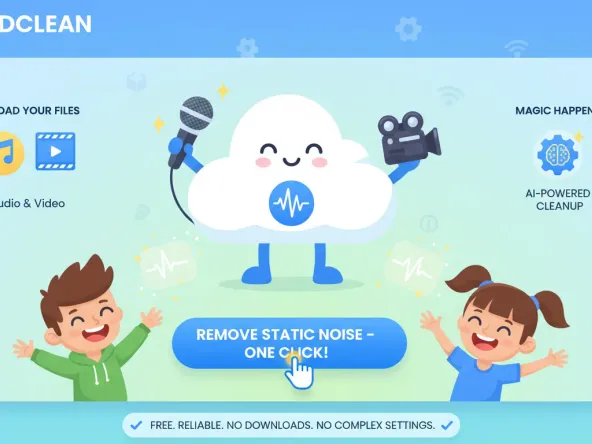
Upload an MP3 or supported audio file, prepare a karaoke-ready instrumental, and pair it with synchronized lyrics.
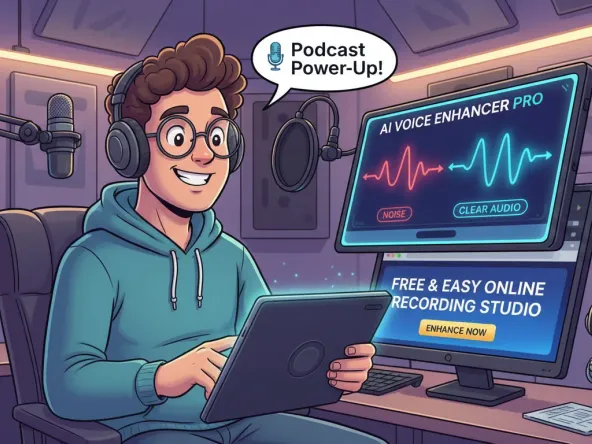
Create a complete karaoke video with timed text, custom colors, title styling, and a background that fits the song.
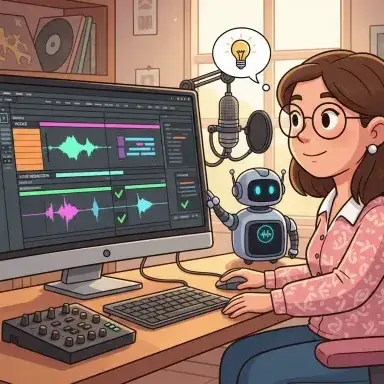
Turn permitted YouTube source material into karaoke-style content by starting from audio or video you have the rights to use.
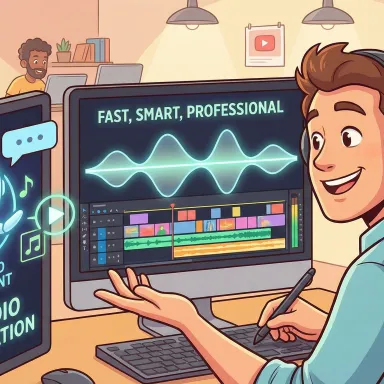
Prepare an instrumental and lyric guide for rehearsals, lessons, choir practice, or personal vocal training.
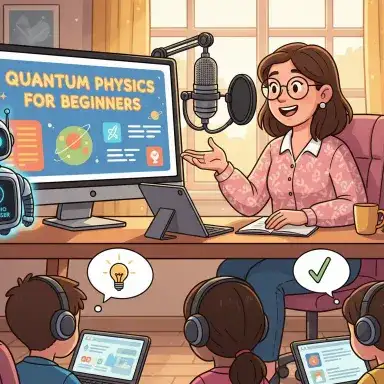
Make sing-along videos for parties, class activities, cover channels, and branded content where your source rights are clear.
Upload an MP3 or supported audio file, prepare a karaoke-ready instrumental, and pair it with synchronized lyrics.
Create a complete karaoke video with timed text, custom colors, title styling, and a background that fits the song.
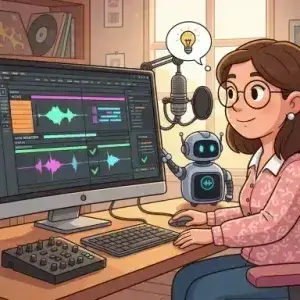
Turn permitted YouTube source material into karaoke-style content by starting from audio or video you have the rights to use.
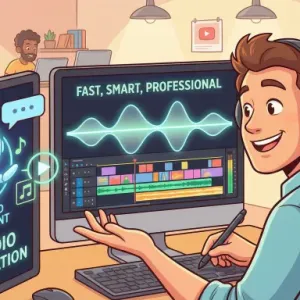
Prepare an instrumental and lyric guide for rehearsals, lessons, choir practice, or personal vocal training.
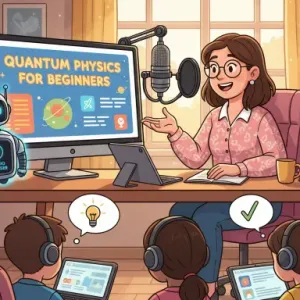
Make sing-along videos for parties, class activities, cover channels, and branded content where your source rights are clear.
Add your source, let the AI prepare karaoke material, then customize and export the final video.
Choose an MP3, audio file, or supported video file from material you own or have permission to process.
Let the AI process the track, prepare karaoke-ready audio, and create timed lyric lines you can review.
Correct lyrics, adjust text style, choose a background, preview the result, and export a downloadable karaoke video.
VoiceEnhancer combines track processing, lyric timing, visual design, and export controls in one karaoke maker online.
Prepare song material for karaoke by creating usable vocal and instrumental track options from the source audio.

Generate lyric timing that follows the song so viewers can sing along with the right line at the right moment.
Review words, adjust line timing, split or merge lyric lines, and keep the final sing-along text accurate.
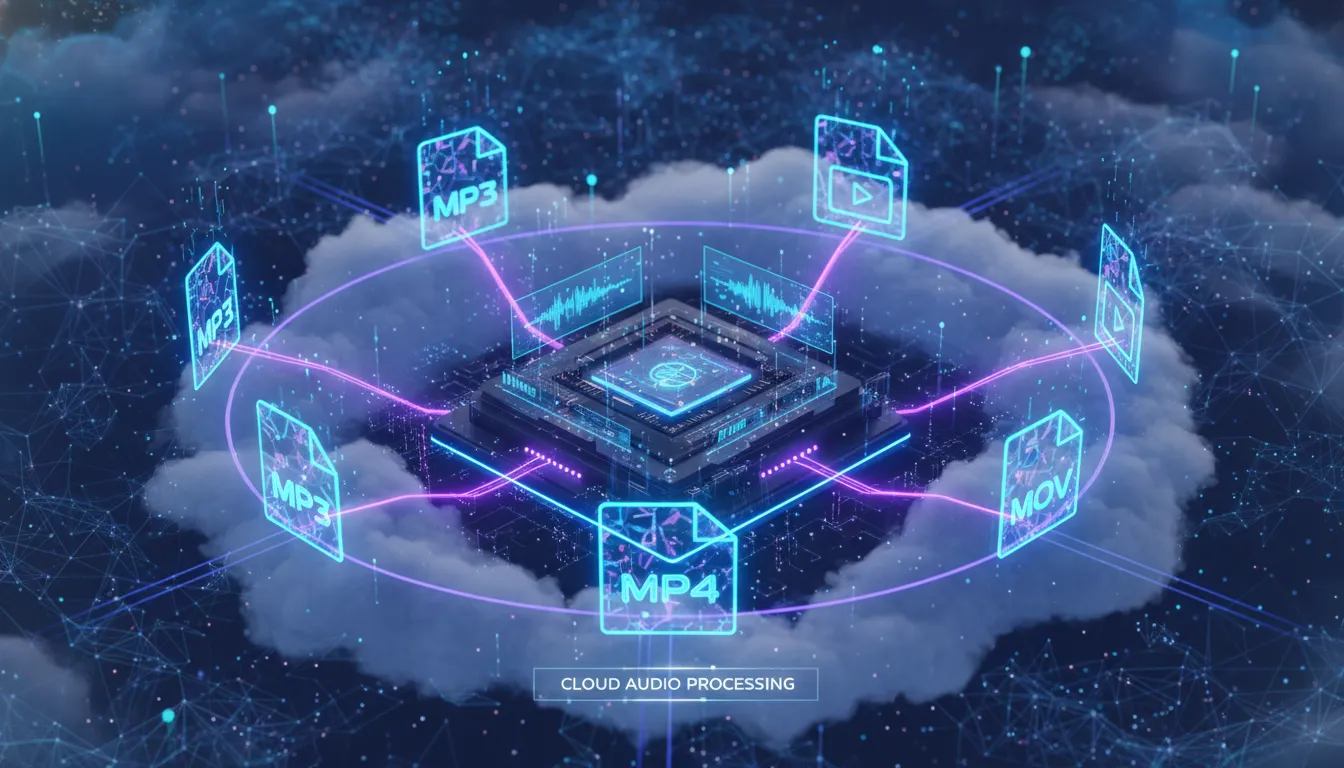
Change title styling, lyric colors, font size, alignment, backgrounds, countdown effects, and aspect ratio.
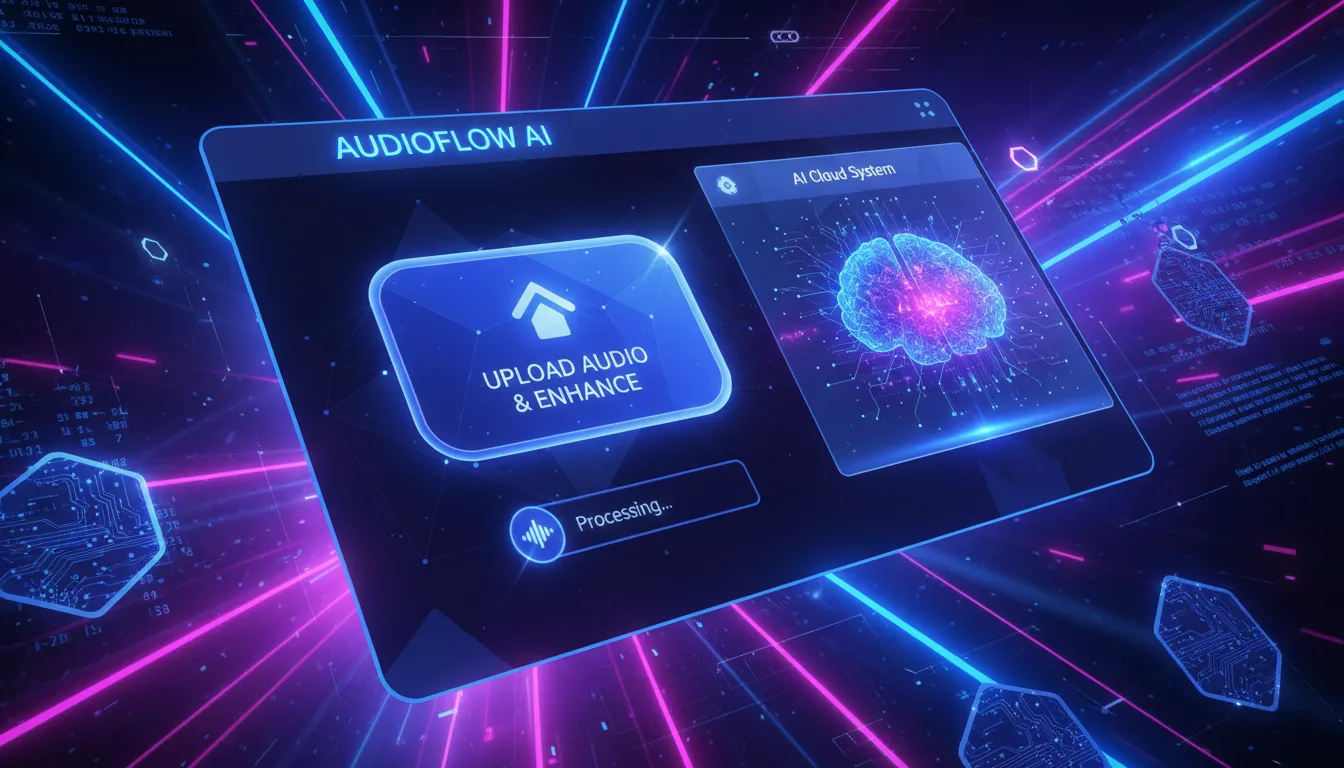
Check the audio, timing, and visual layout before rendering and downloading the final karaoke video.
Make karaoke content without a complicated desktop editor while keeping control over the audio, lyrics, and finished video.
Start with common audio formats such as MP3, WAV, M4A, OGG, FLAC, AIF, and AIFF in the upload workflow.

Work from supported video formats such as MP4, MOV, M4V, QT, AVI, and 3GP when your source is already visual.

Create a karaoke experience with track options, timed lyrics, visual styling, and export instead of stopping at an instrumental file.

Tune title and lyric appearance with colors, outline settings, font size, bold, italic, uppercase, and alignment controls.

Use color, image, or video backgrounds so the final karaoke video feels polished and ready for the context.
Review timing, track selection, lyric placement, and visual layout before you export the final video file.
Upload your song or video, generate karaoke-ready audio and timed lyrics, customize the look, and export a sing-along video online.
Singers, teachers, hosts, and video creators use the karaoke maker to prepare practice tracks, lyric videos, and event-ready sing-along files.
Natalie Brooks
Vocal Coach
The timed lyrics help my students follow phrasing while the instrumental track keeps practice focused.

Marcus Chen
Event Host
I can prepare a karaoke video for a party without opening separate tools for audio, subtitles, and visual layout.

Emma Johnson
Music Teacher
Editing lyric timing is useful for classroom songs because I can correct the lines before exporting the video.

Diego Ramirez
Cover Video Creator
The text styling and background options make each karaoke video feel closer to my channel style.

Priya Kapoor
Choir Assistant
Turning an MP3 to karaoke with lyrics gives our group a clear practice reference before rehearsal.

Liam Foster
Content Producer
I use the preview step to catch lyric issues and layout problems before the final karaoke video export.
A karaoke maker turns a song or video source into sing-along content by preparing karaoke-ready audio, timed lyrics, visual styling, and a downloadable video output.
Yes. Upload an MP3 or another supported audio file, generate the karaoke material, review the lyrics, customize the video, and export the result online.
VoiceEnhancer processes uploaded audio or video to prepare karaoke tracks, timed lyrics, and export settings. Avoid uploading sensitive or restricted material unless you have permission, and review the current privacy and terms pages for storage details.
You can create karaoke-style content from source material you own or have permission to use. For YouTube workflows, make sure the audio or video source is permitted before uploading or publishing.
The karaoke workflow prepares track options from the source song so you can build a sing-along version with instrumental audio and synchronized lyrics.
Yes. You can review lyric lines, edit text, adjust timing, split or merge lines, and fix issues before exporting the final karaoke video.
The upload workflow supports common audio formats such as MP3, WAV, M4A, OGG, FLAC, AIF, and AIFF, plus supported video formats such as MP4, MOV, M4V, QT, AVI, and 3GP.
Yes. You can adjust title style, lyric colors, font size, alignment, aspect ratio, countdown effect, and background using color, image, or video options.
Yes. Preview the audio, lyric timing, and visual layout before rendering and downloading the final karaoke video.
Publishing or monetizing depends on the rights for the song, video, lyrics, source material, VoiceEnhancer terms, and the rules of the platform where you publish. Use only material you own or have permission to use.