


Clara Mitchell
Vocal Coach
I use it as a karaoke maker for student warmups. Being able to remove vocals from song files quickly saves prep time before lessons.
Remove vocals from song files online with a simple AI vocal remover built for karaoke tracks, instrumental practice, and creator edits.
Drop files to Splitter
Supported 20+ Formats





VoiceEnhancer helps creators prepare clearer audio for practice, publishing, and everyday song-editing workflows.

Turn favorite tracks into sing-along practice audio. This karaoke maker helps separate the lead voice while keeping the backing track useful.
Study rhythm, harmony, and arrangement details with an instrumental maker workflow that makes it easier to focus on the music behind the lead vocal.
Prepare cleaner background music for short videos, tutorials, or social posts when a track needs less lead vocal before editing.

Create quick karaoke moments, rehearsal cuts, or event-friendly instrumentals with a browser-based separation workflow.
Make practice tracks for students, warmups, and lessons without opening a complex audio editor or rebuilding the arrangement from scratch.
Turn favorite tracks into sing-along practice audio. This karaoke maker helps separate the lead voice while keeping the backing track useful.
Study rhythm, harmony, and arrangement details with an instrumental maker workflow that makes it easier to focus on the music behind the lead vocal.
Prepare cleaner background music for short videos, tutorials, or social posts when a track needs less lead vocal before editing.

Create quick karaoke moments, rehearsal cuts, or event-friendly instrumentals with a browser-based separation workflow.
Make practice tracks for students, warmups, and lessons without opening a complex audio editor or rebuilding the arrangement from scratch.
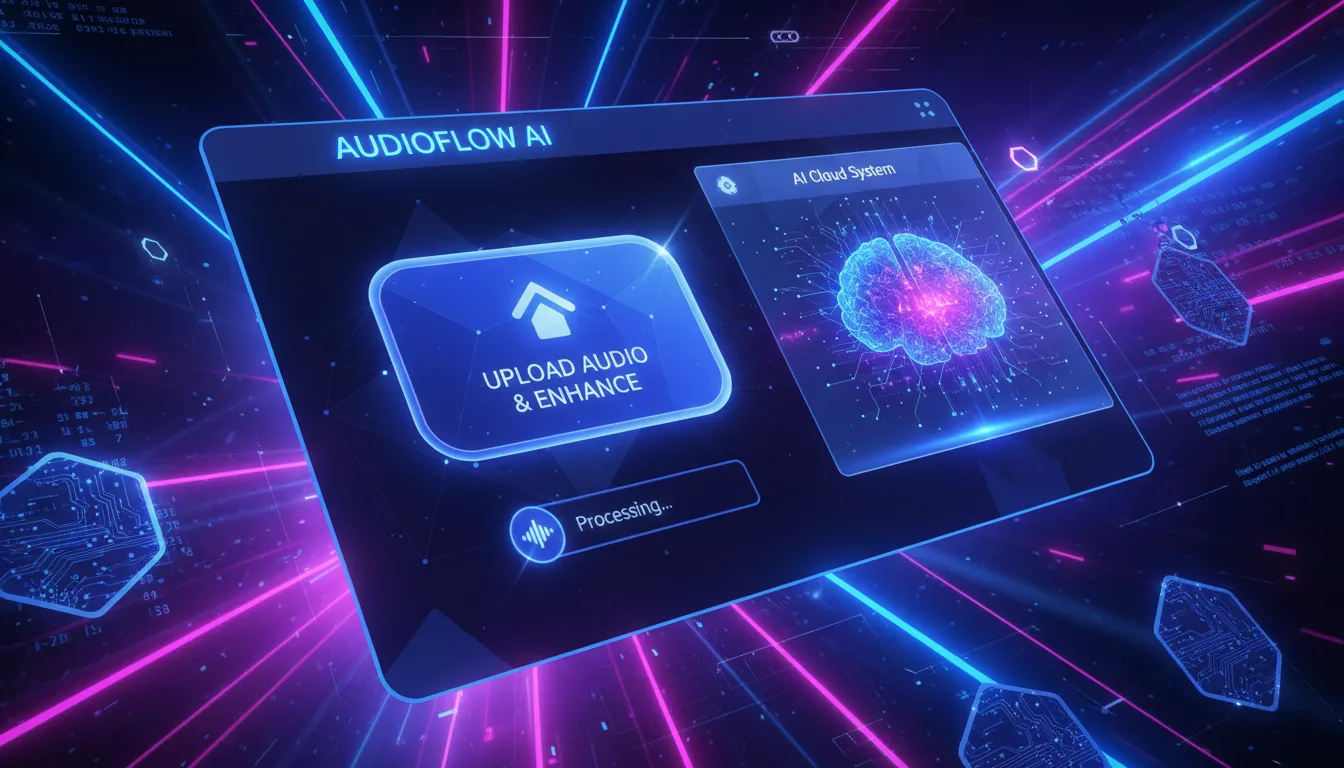
Upload a song, separate the vocal from the backing track, and download audio for practice or production.
Choose the audio file you want to process and start the separation workflow from your browser.
Let AI analyze the track and reduce the lead vocal so the instrumental layer is easier to use.
Check the result, then save the karaoke or instrumental version for rehearsals, lessons, or edits.
AI separation identifies lead voice content and helps split it from the rest of the song for faster editing.

Create sing-along tracks for practice, parties, and demos without building a session in a full music-production app.

Prepare backing tracks for covers, lessons, auditions, or arrangement study with a simple instrumental maker process.

Remove vocals from song online, review the result, and continue your project without installing desktop software.
Listen before you use the file so you can decide whether the vocal reduction fits your video, rehearsal, or class.
The workflow focuses on everyday needs: karaoke practice, instrumental drafts, creator edits, and fast song preparation.

A clean online workspace helps you upload, process, preview, and download without learning a complicated audio timeline.
The karaoke maker angle keeps singers and coaches in mind, so the output is easy to test in rehearsals and lessons.

When you need an instrumental maker for covers or class materials, AI separation gives you a practical starting point.

Quick previews help video editors, DJs, and social creators move from song idea to usable audio with fewer steps.
AI separation can vary by mix, so the page encourages previewing results instead of promising flawless vocal removal.
Create karaoke tracks, instrumental drafts, and cleaner practice audio with a quick preview workflow.
Clara Mitchell
Vocal Coach
I use it as a karaoke maker for student warmups. Being able to remove vocals from song files quickly saves prep time before lessons.

Jordan Ellis
Video Creator
The separation preview gives me a fast way to test whether a track can work under a tutorial before I edit the full video.

Priya Shah
Music Teacher
For class exercises, the instrumental maker workflow is useful because students can hear arrangement details without the lead vocal dominating.

Ethan Ramirez
Event DJ
When someone asks for a quick sing-along version, I can remove vocals from song online and preview whether it fits the room.

Olivia Chen
Language Tutor
I prepare pronunciation practice with familiar melodies. The browser workflow keeps the process simple enough to use between sessions.

Marcus Reed
Independent Producer
It is a helpful first pass for reference instrumentals. I still check each mix, but the browser workflow makes experiments much faster.
Upload your track, let AI separate the lead vocal from the backing music, then preview and download the result.
It can be used as a karaoke maker when the song mix separates well enough for singing practice, events, or lesson materials.
The instrumental maker workflow works best when vocals are clearly mixed. Dense effects, layered harmonies, or live recordings may need extra review.
AI separation improves many tracks, but results depend on the original mix. Preview the output before using it in a public project.
Common audio files are the natural fit for this workflow. Confirm current upload formats and limits on the live tool before publishing exact claims.
Many creators remove vocals from song audio first, then place the instrumental-style track under tutorials, reels, or demo videos.
Rights and licensing still matter. Use only audio you own, have permission to edit, or are legally allowed to transform.
An online workflow is faster for quick tests because you can upload a song, process it, and check the result without setting up a full editor.
Singers can create practice tracks, lower guide-vocal distraction, and rehearse melody or timing with a cleaner backing track.
Try a cleaner source file, preview different sections, and treat the output as a draft when the original song has heavy effects or stacked vocals.